

Description
Purpose
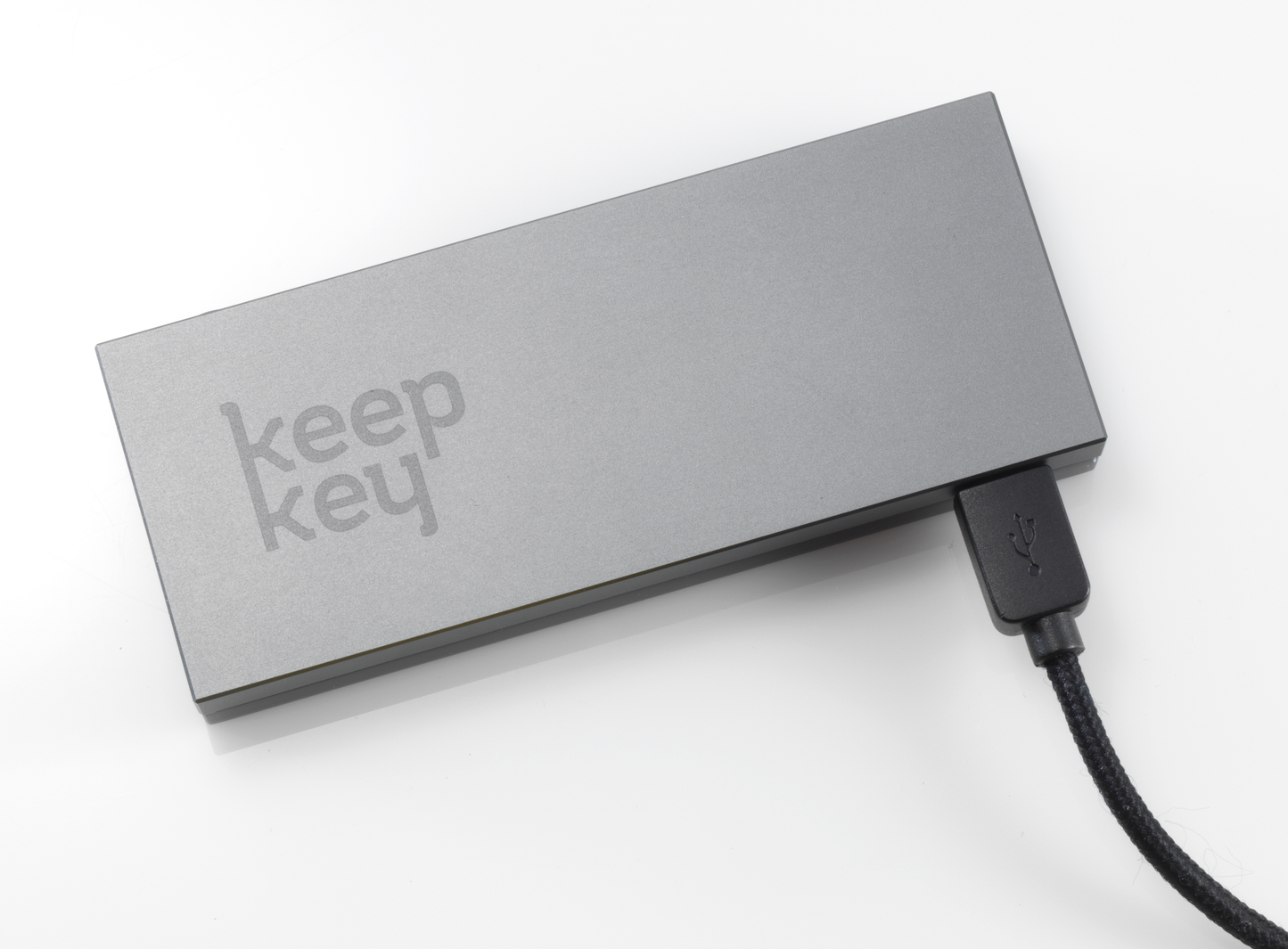
KeepKey is a purpose-built hardware wallet designed to keep your private keys offline and under your control. Transactions are confirmed on the device screen — not in a browser or account — so ownership never depends on an app or hosted service.
Key Features
- Offline key storage — private keys stay on the device, away from internet-connected software wallets and exchanges
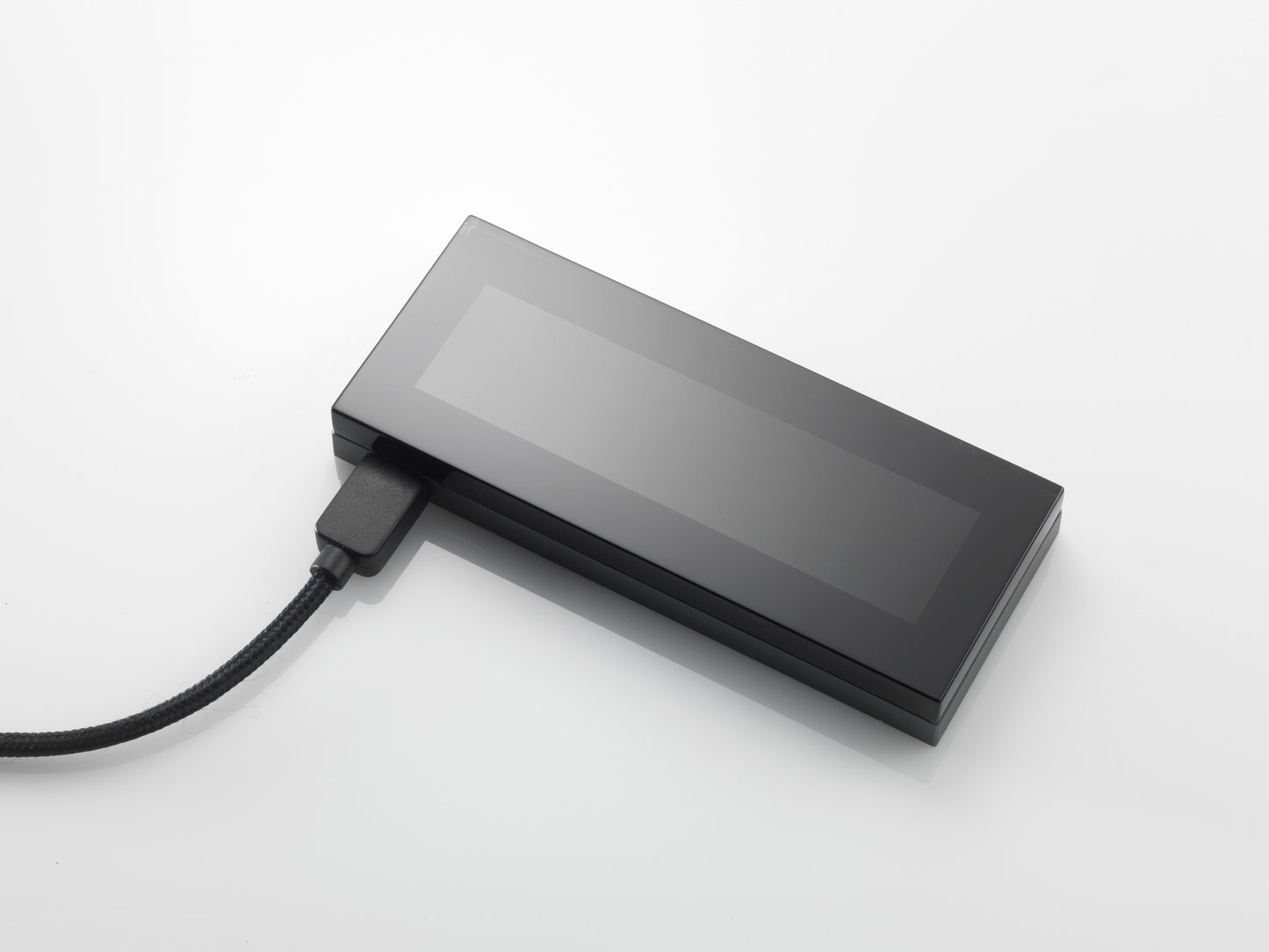
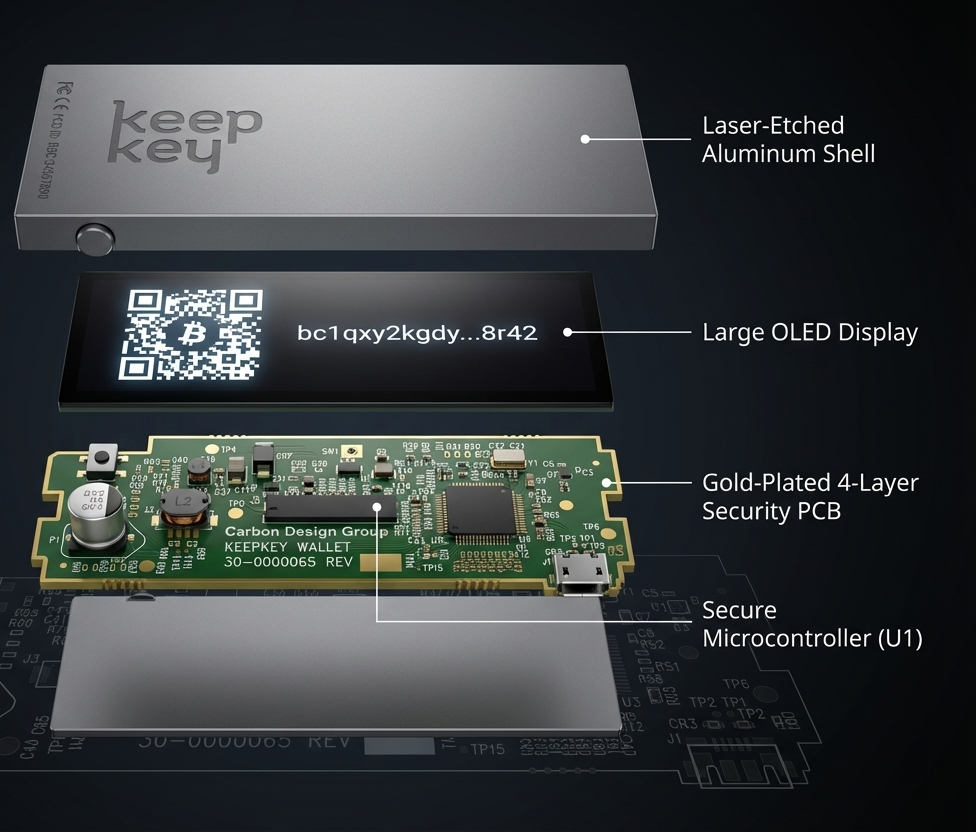
- On-device transaction confirmation — a large OLED display shows exactly what you approve before signing
- Open recovery standards — your recovery phrase follows open standards, so your funds aren't locked to a service or platform
- Durable design — laser-etched aluminum shell, gold-plated multi-layer PCB, and a secure microcontroller for key isolation
- No accounts, no subscriptions — no batteries, wireless radios, or background processes; one device, one price
Main Use Cases
- Long-term cold storage and self-custody of major cryptocurrencies
- Moving funds off exchanges into a device you physically own
- Secure, on-device approval of transactions without third-party dependency
Highlights
Pros
- The 3.12-inch OLED display is the largest among major hardware wallets, showing full receive addresses and plain-language transaction details before signing.
- PIN entry uses a re-scrambled on-device keypad entered through anonymous boxes, defeating keyloggers, with exponentially increasing lockout after failed attempts.
- Hardware line shipping since 2014 with free firmware updates for life, and compatibility with third-party wallets like Electrum and Mycelium.
- Firmware and software are fully open source and publicly auditable on GitHub — no black boxes or hidden code.
- Supports 11 native chains plus all EVM tokens (Bitcoin, Ethereum, Solana, TON, Polygon, Avalanche) with built-in THORChain swaps signed entirely on-device.
Cons
- At 54g and roughly 38×94×12mm, it is noticeably bulkier and heavier than competing wallets like the Ledger Nano and Trezor.
- Customer support is reachable only in writing via Discord, and documentation is available in English only.
- No certified Secure Element chip — unlike Ledger and Trezor, security rests on open-source firmware and the device design alone.
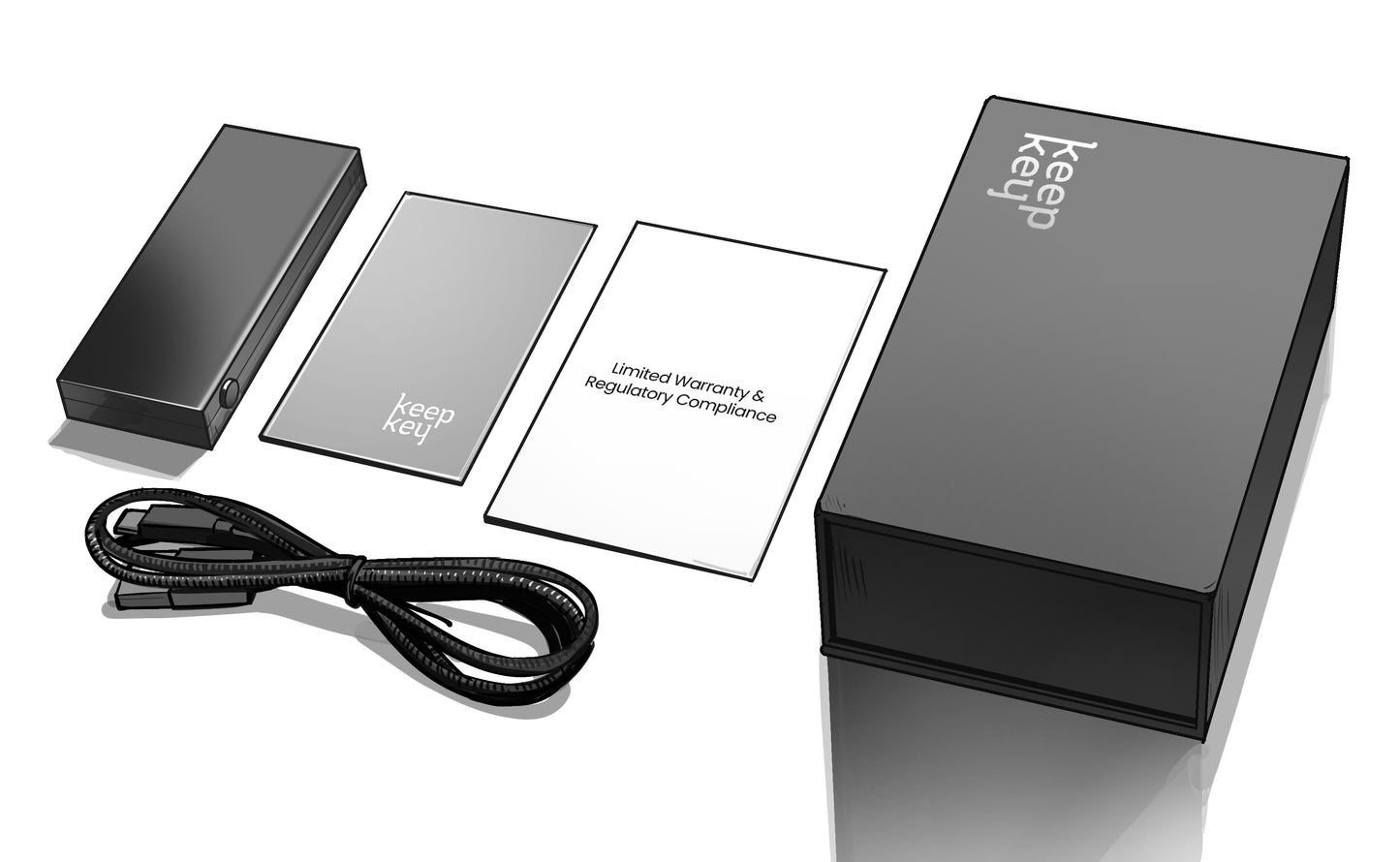
- No wireless connectivity: the device must stay tethered to a computer via a micro-USB cable and has no battery.
- Setup never verifies that the recovery seed was written down, so beginners can unknowingly skip the backup step.